
Keep your family's story,
one generation at a time.
Start from the oldest ancestor, add children and siblings, search any name and read the full lineage. Everything stays on your phone, with no ads and no account.
- No ads
- No account
- Works offline
- Arabic · English
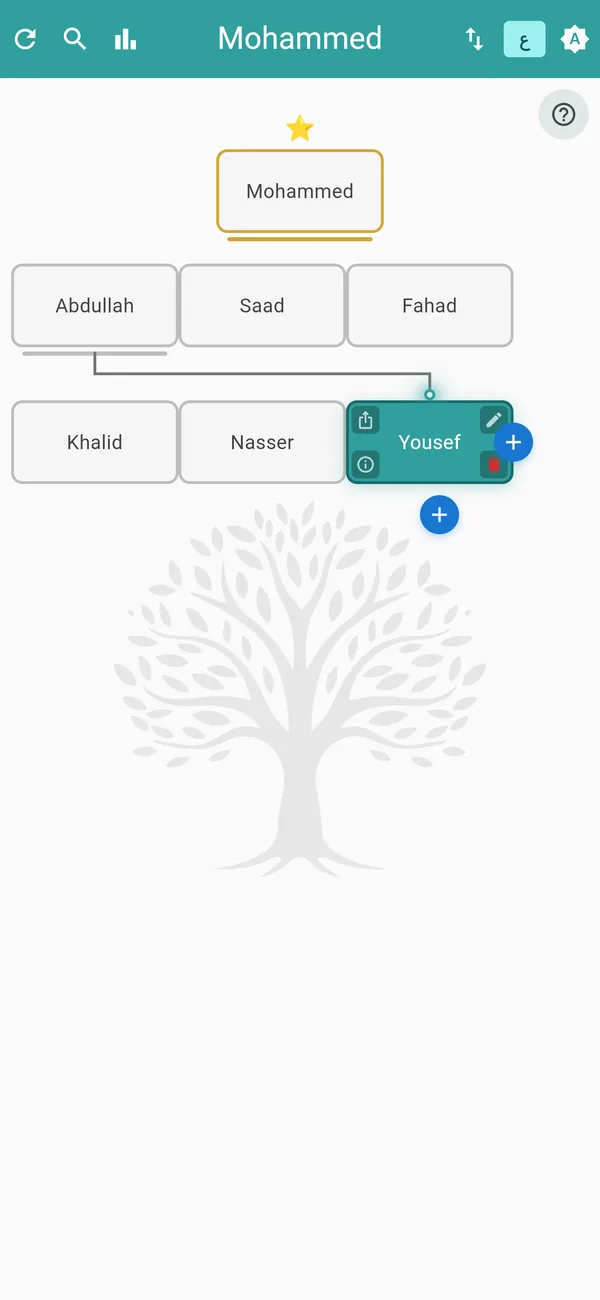
A tree that stays clear as it grows
Start with one name and grow from there. The app shows the part of the tree you are looking at, so even a large family stays easy to read.
Children and siblings
Add a child to any member, or a sibling next to them, up to 12 children per parent and 12 levels.
Focused view
Select a member to see their ancestors, their siblings and their direct children, with lines linking each one to their parent.
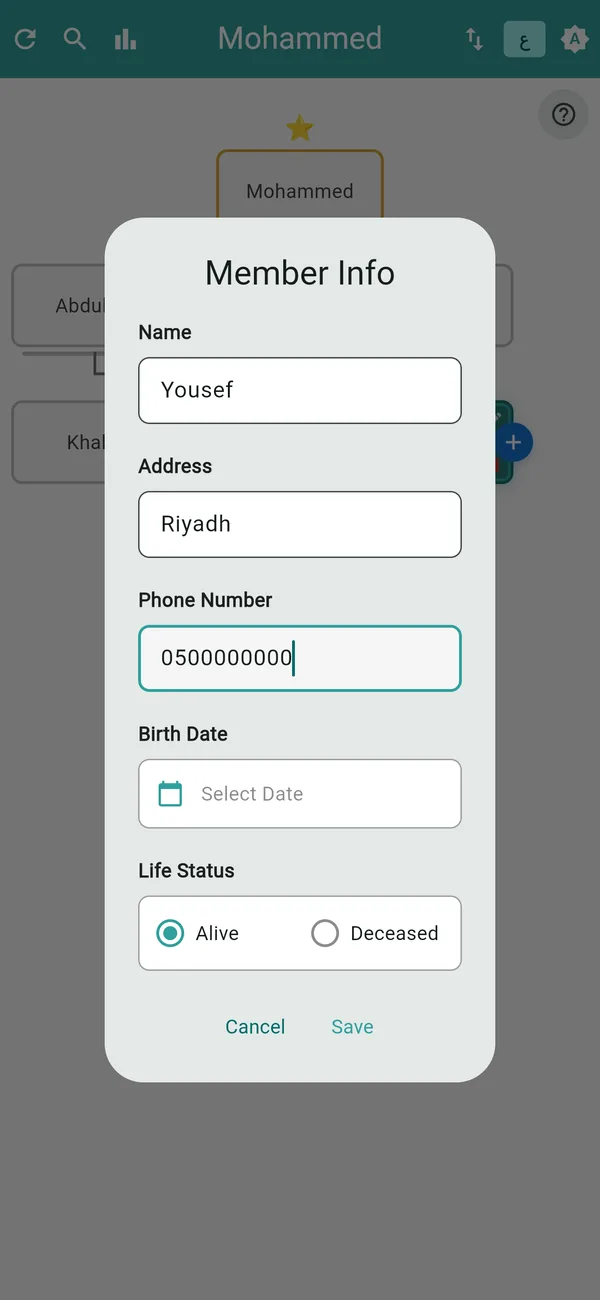
Details for each person
Birth date with the age worked out, alive or deceased, death date, address and phone number, all optional.
Deceased members
Shown in a muted style with a line under the name, so you can tell them apart at a glance.
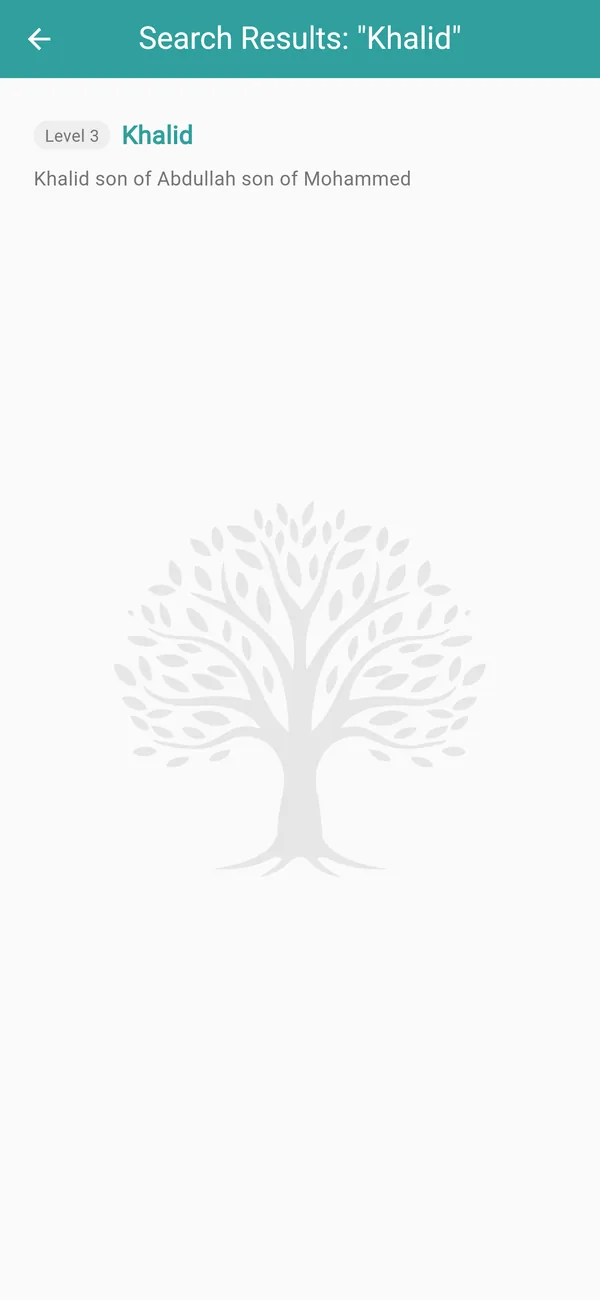
Find anyone and read their lineage
Type a name and jump straight to it, with the whole path back to the founder highlighted.
Search by name
Results are listed from the generation closest to the root, each with its full lineage.
Path highlighted
The route from the person to the root is highlighted and the person flashes so you never lose them.
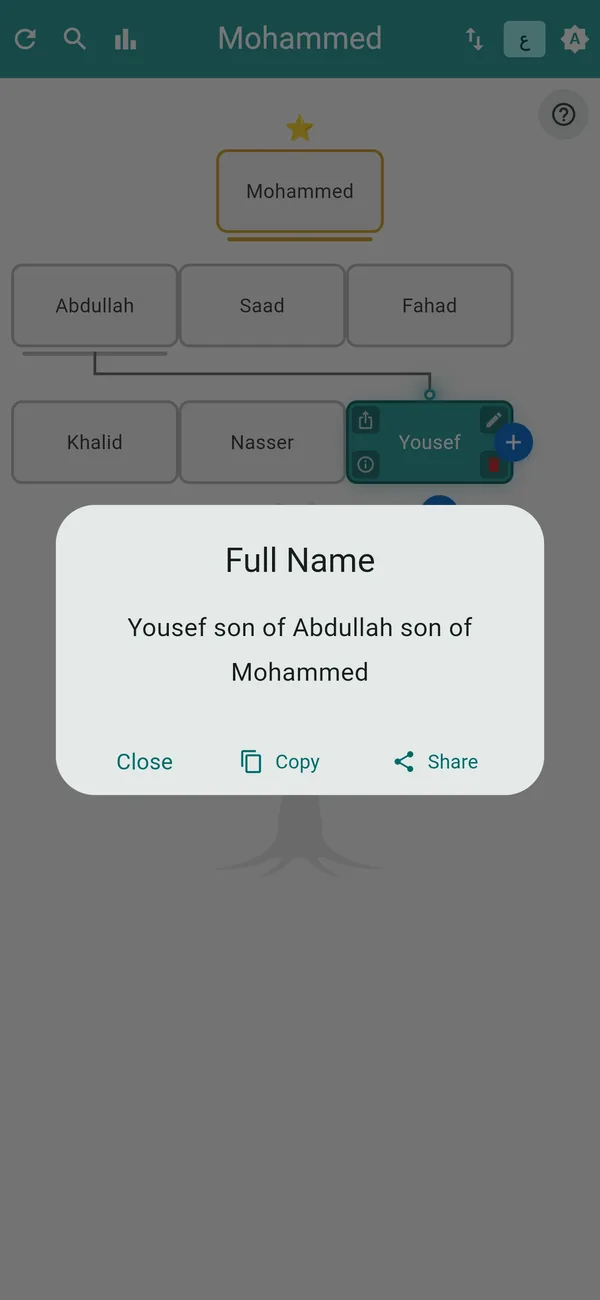
Share the full name
Copy or share a member's name with the names of their fathers, with the app icon attached.
Your family in numbers
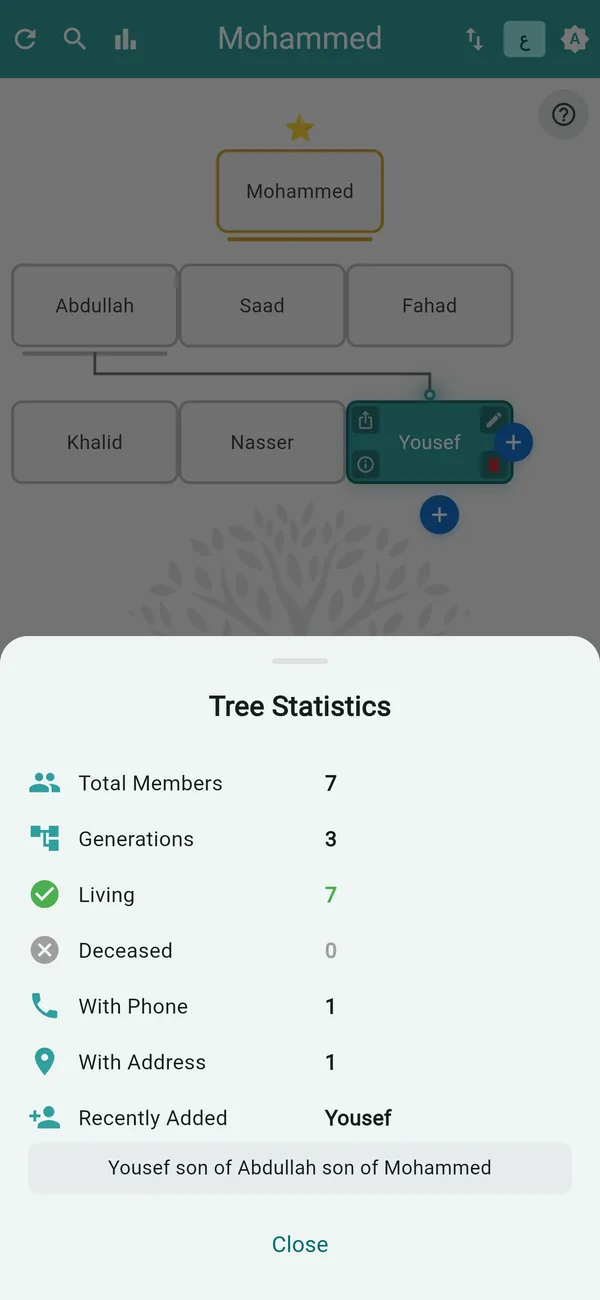
One screen summarises the whole tree.
Members and generations
The total number of members and how many generations the tree spans.
Living and deceased
Counts for each, with the oldest and youngest of both groups and their ages.
Data completeness
How many members have a phone number or an address, and who was added most recently.
Your tree in one file
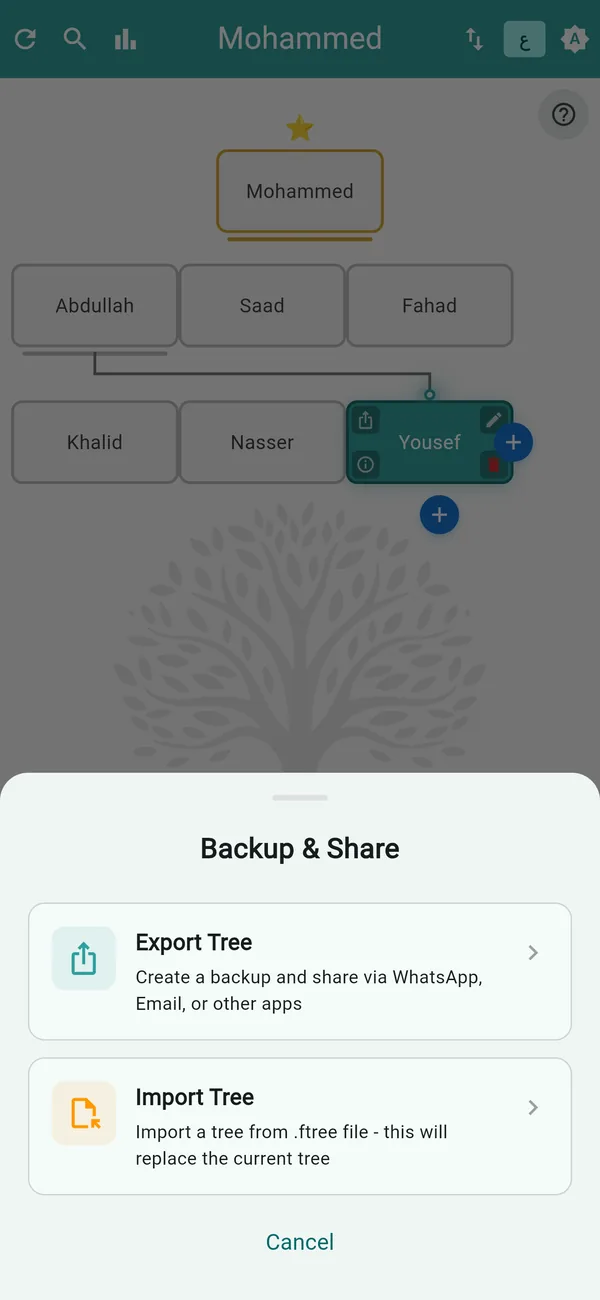
Export the tree to a file, keep it as a backup, send it to a relative, and open it on another phone.
Export to a .ftree file
Save or share the whole tree, named with the root's name and the date.
Import with a preview
See the root name and member count before you confirm. Importing replaces the tree currently on the phone.
Open from your files
Tap a .ftree file in Files or your file manager and the app opens it.
Light or dark, your choice
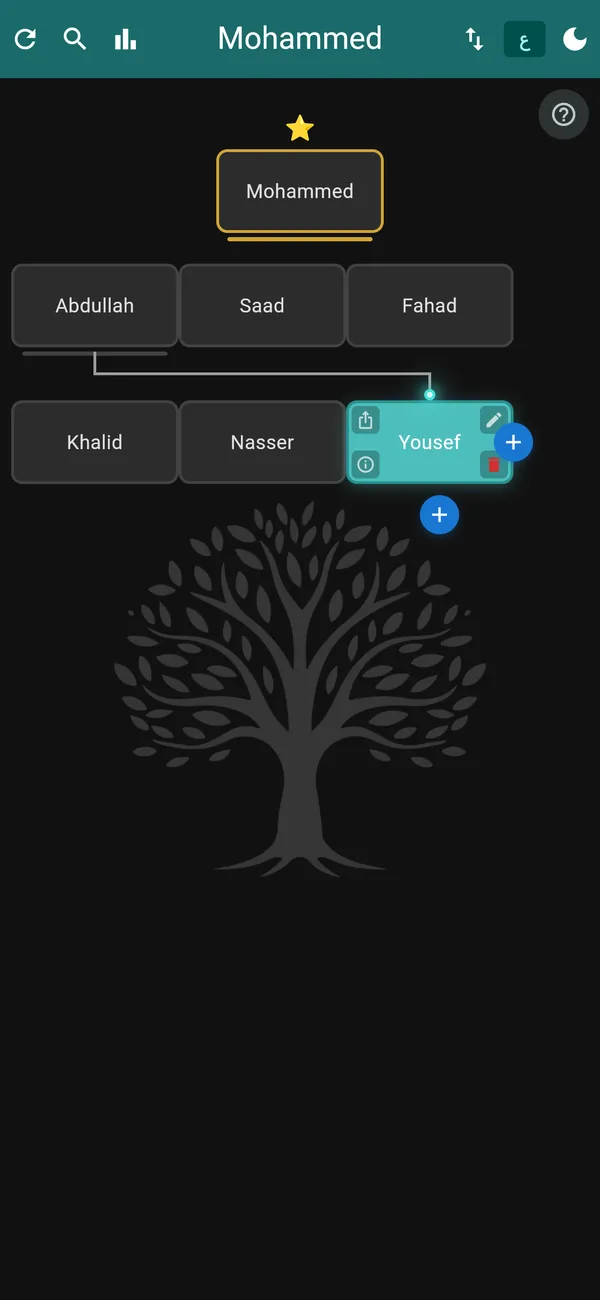
Follow the phone's setting or pick a mode yourself, and switch between Arabic (right to left) and English at any time.
Your family's details stay with you
The tree lives on your phone. We have no server for it, and no way to see it.
Stored on your phone
Names, dates, addresses and phone numbers are saved in the app's private storage on your device.
No account
You never sign up or give us your name to use the app.
No ads, no analytics
No advertising, analytics or crash-reporting tools are built into the app.
Works offline
Everything works without internet. The only connection is a check for a new app version.
You control sharing
Nothing leaves your phone unless you export or share it yourself.
Reset any time
One button deletes the tree. Deleting the app removes everything it stored.
Arabic and English
The whole app is available in both languages, with the layout flipping to right to left for Arabic.
Frequently asked questions
Is Family Tree free?
It is a paid app: you pay once on the App Store or Google Play. There are no ads, no subscription and no in-app purchases.
Does it work without internet?
Yes. Everything works offline. The app only connects to check whether a new version is available.
Where is my family's information stored?
On your phone only. We do not have a server and cannot see your tree.
How many people can I add?
Up to 10,000 members, 12 children for each parent and 12 levels. The app warns you when you get close to the member limit.
How do I move my tree to a new phone?
Export the tree from the backup button, send the .ftree file to the new phone, then open it or import it there.
Does importing erase my tree?
Yes. Importing replaces the tree on the phone. The app shows the root name and member count and asks you to confirm first.
Why can't I add a sibling to some members?
The sibling button appears on the first member of a row of siblings. The root has no siblings, so add a child to the parent instead.
Which devices are supported?
iPhone and iPad with iOS 13 or later, and Android phones and tablets.

Download Family Tree
One-time purchase on iPhone and Android, with no ads and no account.